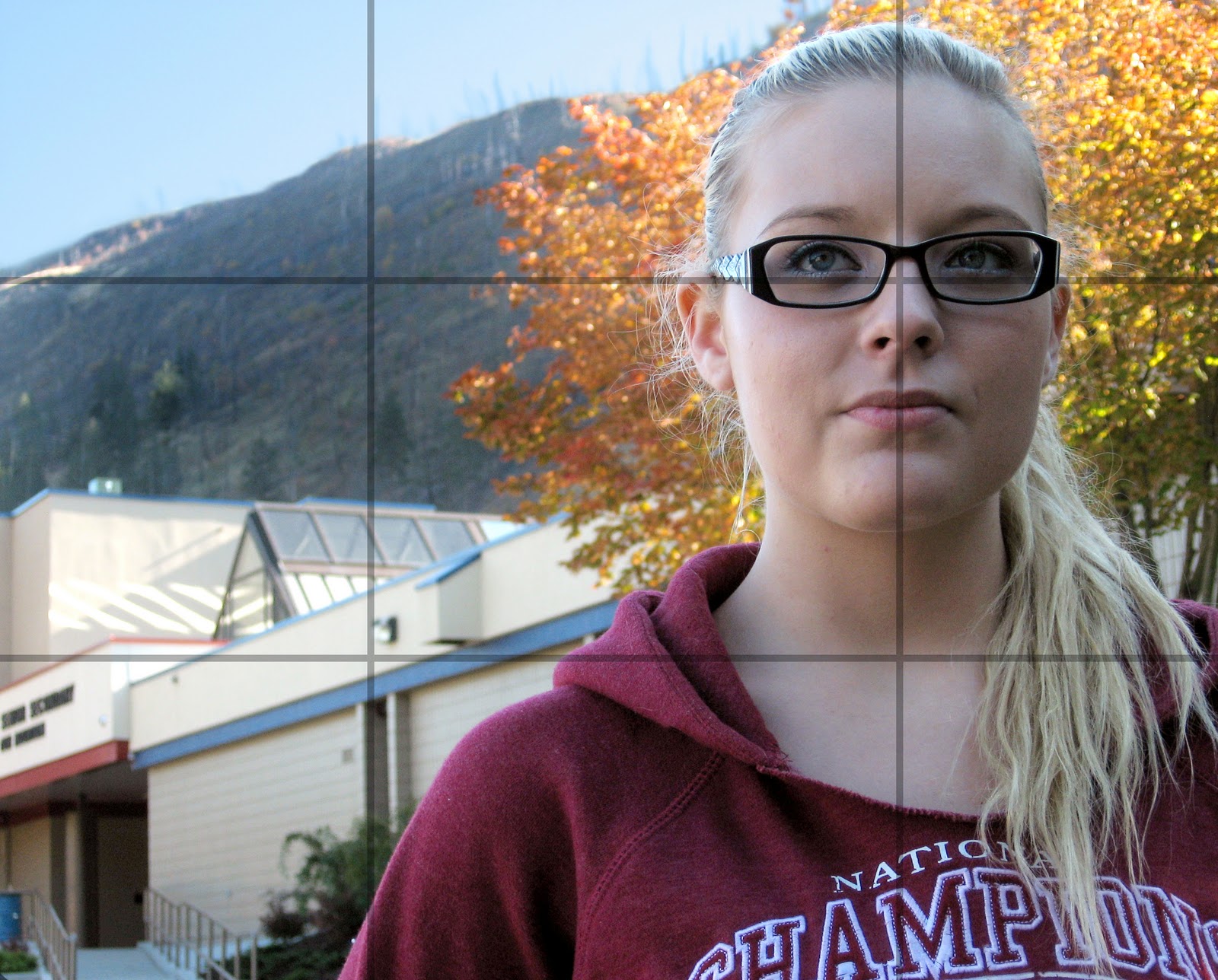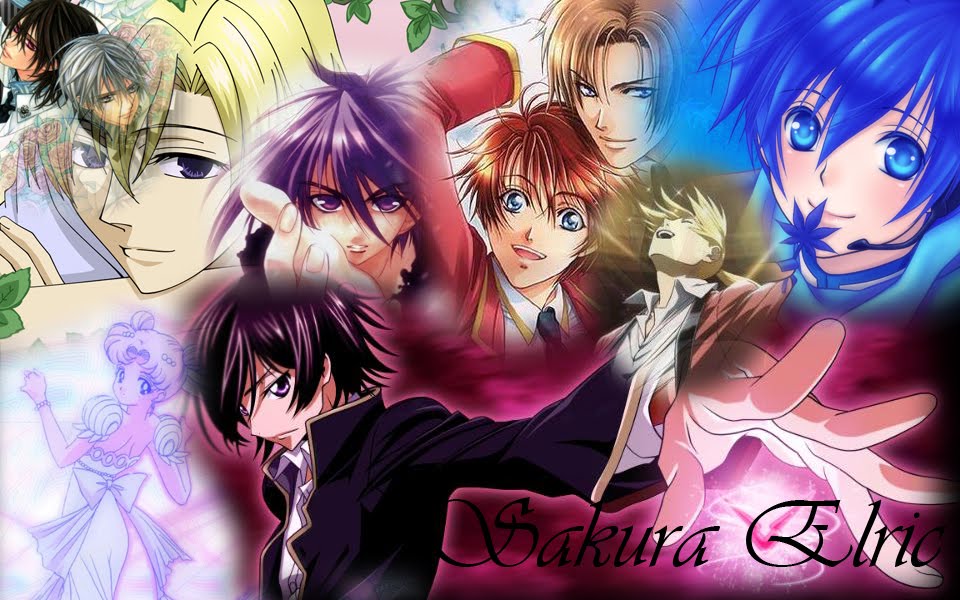

This is the cover for my book.
My theme was Anime 2010. In the booklet, which ended up being 16 pages.
My book's pages are tied together by the background. Its a Shojo screentone.
*Cover- My Hetalia Bandannas(Which came with the Hetalia anime sets), lined up in the middle to split the Hetalia text so I had half of the text and characters on each. The picture of me was taken by my dad on the day i got my grad photos done.
Sakura Elric is my online alias and my favorite name.
*Page 1- Table of contents. I didn't want a list because it looked to plain and I like the randomness. Cause its random like me. ^-^
*Page 2- This is a tribute to Star Driver, which i started watching this year. It is a new anime this year and it is awesome.
*Page 3- Hetalia Party-season 1. I had a party when i first got the season set. I had a bunch of friends over and we watched all 26 episodes. (They are all 5 minutes) I'm happy I documented this cause it turned into a nice page.
*Page 4 and 5- Sakura Con 2010. The 2nd con i ever want to. On Saturday I cosplayed Edward Elric and sunday I did Haruhi Suzumiya. The pictures on the page were taken by both me and my dad, as we had both cameras. The logo with the flowers was made by me. I took a BLEACH font and then stuck the Sakura Con flowers behind it. I actually put it on a bag i made for the con. My favorite picture is the one with me and Vic Mignogna. He's my Voice Actor Idol.
*Page 6 and 7- Voice Actor signatures. This page was a lot of work cause I needed to crop all the pictures and change the sizes. I moved most of the signatures around too. It turned out to be a good spread tho. I'm really happy.
*Page 8 and 9- Wasabi Izakaya's. A Japanese resteraunt that the Japanese 12 class went to. The Japanese 11 class that I was in went too, but before 2010 so I didn't include any of those pictures.
*Page 10 and 11- Something more interresting to say the least. Multiple pictures of the same hand from different angles. I was inspired to re-create Edward Elric's Automail arm coming out of the ground. The reference pictures are on the pages. I my Manga to create the mound and then my old cosplay arm. I love the way it turned out.
*Page 12 and 13- This spread was a lot of work. It nearly was the death of me. XD. First off I had to check release dates to make sure I bought all of what i photographed in 2010, plus remembering WHEN I bought things with older release dates. That in itself was a job and a half -laugh- and then photographing them... I tried to make them all strait on to the camera, and that worked for the most part. Plus not catching the glare on any of the covers from the light I was using was hard too, XD and to boot i used an old woodenVCR cover to prop up the books and DVD's. THEN came the cropping and level changing. ALL the levels were messed up cause my house has terrible light. Needless to say I think this took way too long, but the end product looks AMAZING. And the totals... God i spent a lot this year on just Anime and Manga. Theres a whole bunch more in ketchains, plushies and wallscrolls.
*Page 14 and 15- My Alphonse Elric figure. I got him at Kinokuniya bookstore in Seattle Washington this summer. The Quote is from Vic Mignogna's song, Nothing I Won't Give, which is related to FullMetal Alchemist. I used the flash at a close range in the picture to make Al look more reflective. He is supposed to be metal afterall.
*Page 16- The mini Edward Elric figure I got at Sakura Con 2010. Cropping him was fun. The quote is from a FullMetal Alchemist episode. Episode 2 of Brotherhood if i remember correctly.
*Back Cover- This quote is from the last chapter of FullMetal Alchemist. This chapter was released on June 10th 2010. FMA is my all-time favorite manga. I'm happy I was able to put this quote in my book. I will never forget FMA and this quote actually made me cry when i first read the chapter. And this concludes my book. ^^